Ctrl K
Your story. Your matching set. Two personalised garments. One complete price.
Illustrative model preview. Garment proportions, print placement and screen colours may differ slightly from the finished product.
Partner 1 · Front print 8″ × 10″
Select an object to move it. Drag the corner to resize or the round handle to rotate. Arrow keys move the selection. Guides are not printed.
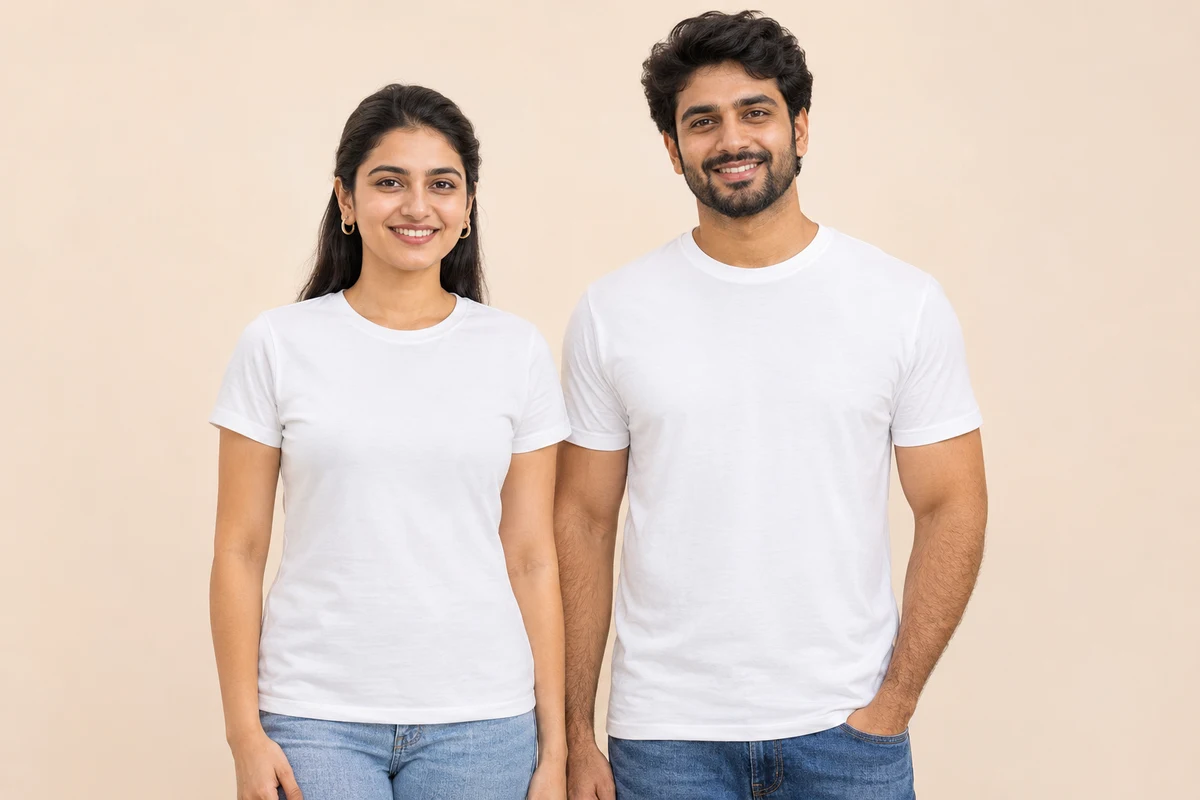
Design a coordinated couple outfit with one women’s and one men’s white cotton T-shirt. Choose both sizes individually and personalise each front print. The price shown is for the complete two-piece set.
Create complementary designs for an anniversary, a trip or a photograph together. Use BETTER and TOGETHER as a starting point, add your own words or upload a shared illustration. Preview the pair together before approving it for printing.
| Partner 1 | Women's classic tee · White XS to 2XL |
|---|---|
| Partner 2 | Men's classic tee · White XS to 2XL |
| Fabric | 180 GSM cotton |
| Front print areas | Partner 1: 8″ × 10″ Partner 2: 8″ × 10″ |
| Included | Two garments, two front prints, GST, packaging and standard delivery |
The set price includes two white garments, one front print on each, GST, packaging and standard delivery to one address. The total updates when you change the number of sets.
Yes. Select each size independently in the right-hand panel. Check chest circumference and garment length in the size guide against a well-fitting garment. Children’s age labels are a guide, so compare the measurements before ordering.
Yes. Upload your image, then choose Add text. Images and text are separate objects: move, resize and rotate each one independently. Choose a font and colour for each text object, and use the object list to change their order or delete them. Each garment can have its own design; Use this design on both copies all objects to the other garment.
Upload a PNG, JPG or WebP image up to 20 MB and 40 megapixels. Use a transparent PNG if you want the design printed without a rectangular background. Text, borders and backgrounds already inside an uploaded image are kept.
Select an image or text object and choose “Centre object”. Drag each object independently, resize it with the corner handle or rotate it with the round handle. Arrow keys adjust its position. Switch to Model preview to check the pair; canvas guides and selection handles are not printed.
The production supplier sends both garments to Send2Print for checking. Send2Print then dispatches the matching pair together to your delivery address. These sets use standard shipping.