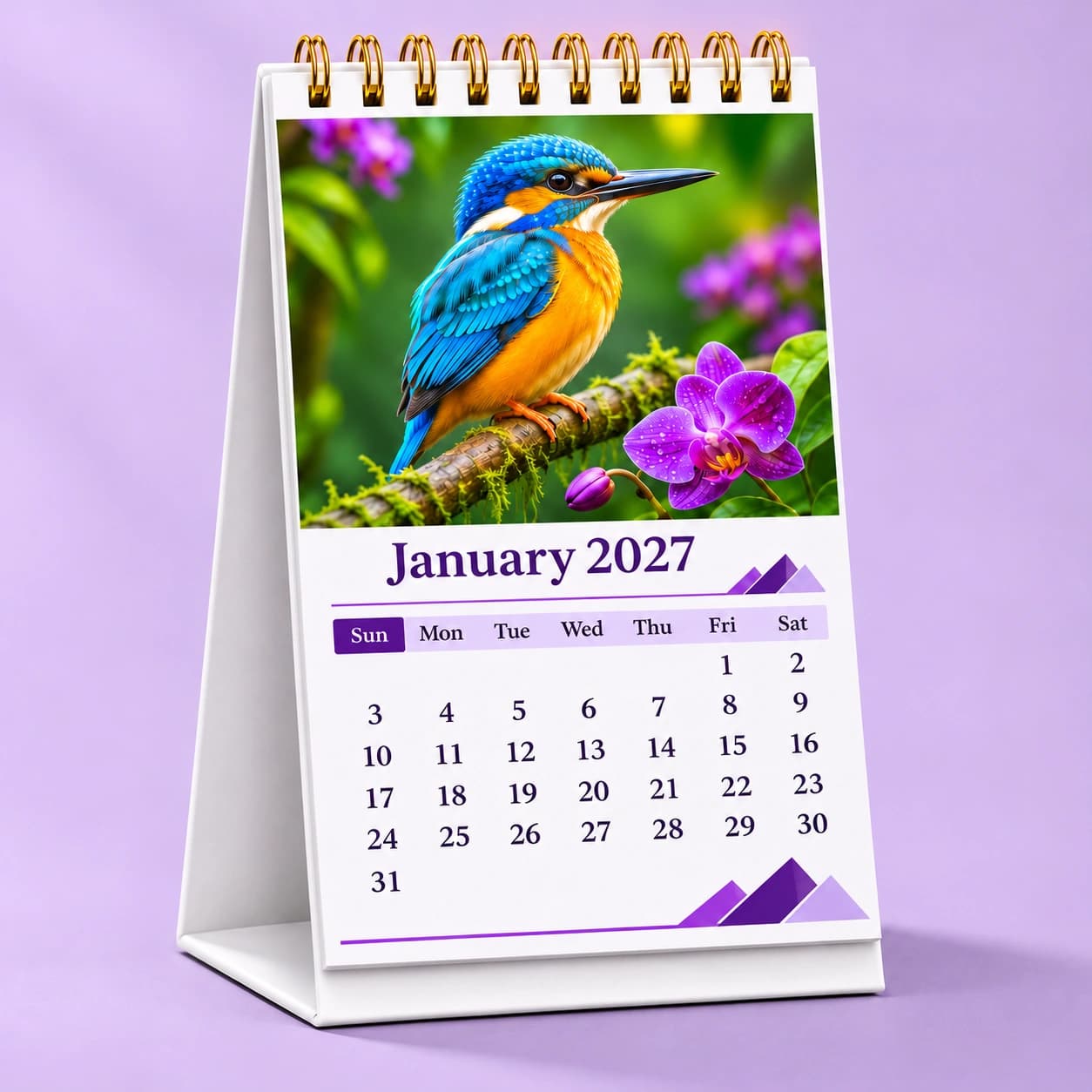
Turn favourite photographs, original artwork or your business branding into a calendar you can enjoy every day. Choose a Standard or Premium desk calendar in portrait or landscape, then design it online or upload your print-ready PDF. Preview your calendar before adding it to your cart.
Our 5 × 7-inch desk calendars combine a compact footprint with space for photographs, monthly dates and personal touches. Choose the sheet format that suits your pictures and the way you want to display them.
07
Standard
A favourite photo every month
A cover sheet and six double-sided monthly sheets take you through January to December. Each month brings your picture and calendar layout together on one side. Black Wire-O binding gives the Standard desk calendar a clean, understated finish.
A cover sheet and twelve monthly sheets give every month a full-picture side and a separate calendar-layout side. Golden Wire-O binding adds a distinctive finishing touch. Choose Premium when you want more space to showcase your photographs or artwork.
Portrait pages measure 5 inches wide × 7 inches high; landscape pages measure 7 inches wide × 5 inches high. Portrait suits taller compositions, while landscape gives wider photographs and layouts more room. Both formats use a freestanding desk stand.
5 × 7 inPortrait7 × 5 inLandscape
Photo calendars for personal gifts and business desks
A custom calendar puts something meaningful in a place people use every day. Build a collection of memories, create a gift for someone close to you, or bring your business identity to a customer's workspace.
A year of favourite memories
Collect family photographs, travel highlights, celebrations or pet portraits into a personalised photo calendar. Add a monthly quote and mark birthdays, anniversaries or other dates that make the calendar feel personal.
Your brand, month after month
Use your logo, business information, product photographs or project images to create a business desk calendar. Keep colours and layouts consistent across the year for client gifts, team desks, reception areas or your own workspace.
Space for your own artwork
Turn illustrations, photography collections or seasonal designs into a printed calendar. Start with a template in the designer, or prepare your complete page layouts and use the PDF upload option.
Two ways to create your custom calendar
Use the online designer when you want help arranging your photos, or upload finished artwork when you already have a calendar design. Both desk-calendar ordering routes let you review the artwork before continuing to your cart.
01
Start with the designer
Design your calendar online
Select your desk-calendar format and layout, upload photographs, and adjust their crop. Personalise colours, backgrounds, monthly quotes and special dates. A consistent style carries your design through the year, while the cover brings the collection together.
02
Or use your finished artwork
Upload a print-ready PDF
Choose Upload your design on a desk-calendar product page, select the orientation and sheet count, then upload your PDF. The upload flow checks page size, orientation and page count against your selected configuration before you continue.
03
Then review every side
Preview, review and order
Check the front and back sides in the 3D preview, then review each page for photo cropping, readable text and important dates. Designs created online can also be shared through a preview link. When everything is ready, add the calendar to your cart and proceed to checkout.
Standard and Premium desk calendars use 300 GSM matte-laminated paper with full-colour printing on both sides. A white hardboard stand with a matte-laminated finish supports the pages on your desk. The difference is in the sheet arrangement and binding colour: Standard has seven sheets with black Wire-O; Premium has thirteen sheets with golden Wire-O.
300 GSM
Matte-laminated paper
White hardboard
A freestanding desk base
Wire-O binding
Black Standard · Golden Premium
A4 and A3 wall calendars — coming soon
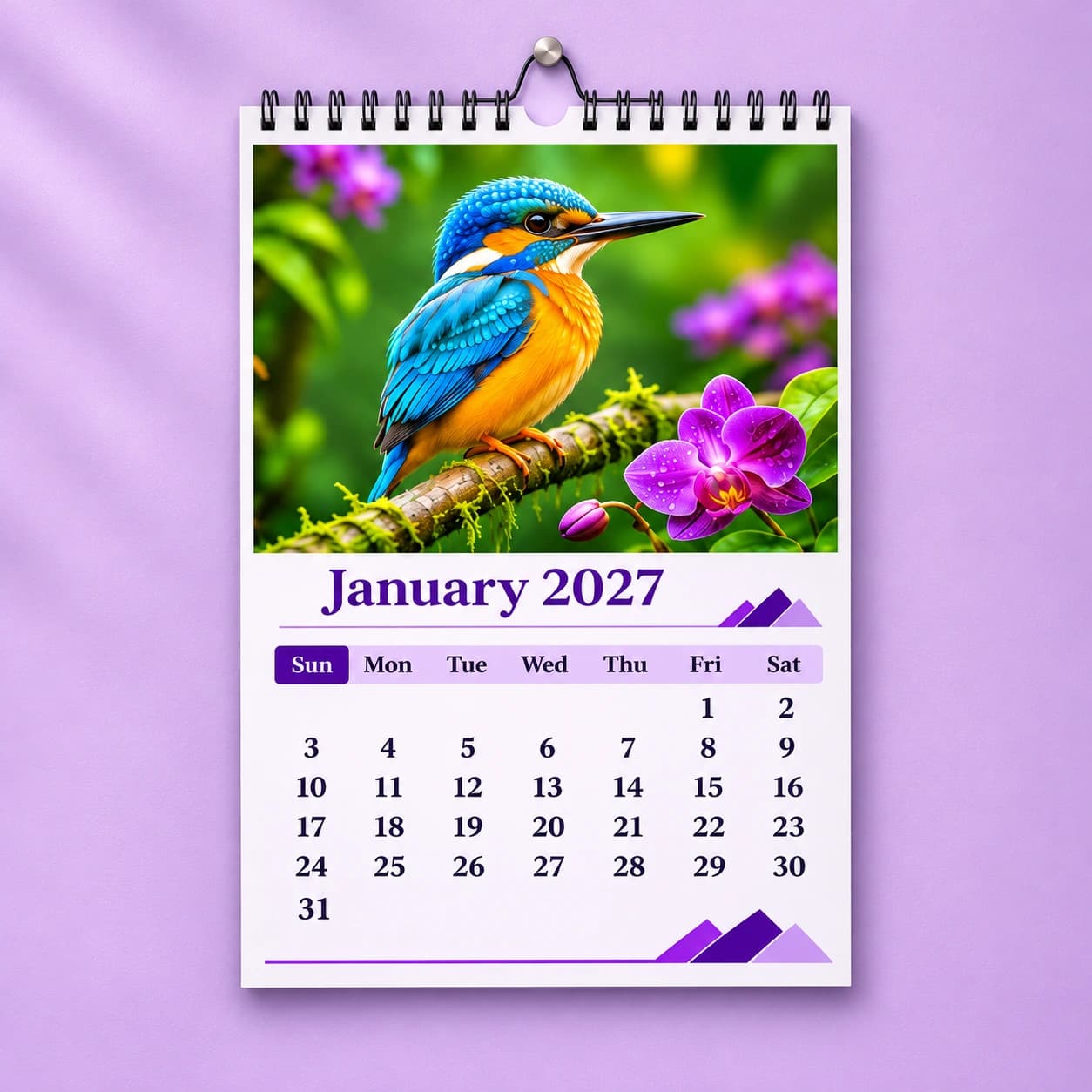
Our wall-calendar range is being prepared in A4 (210 × 297 mm) and A3 (297 × 420 mm) portrait sizes. Both will use 170 GSM paper with a choice of non-laminated or laminated finish. Prices and online ordering are not yet available.
7-sheet wall calendars
One cover sheet plus six monthly sheets printed on both sides, covering all twelve months. This configuration will be available in both A4 and A3 sizes.
13-sheet wall calendars
One cover sheet plus twelve monthly sheets printed on one side, with a separate sheet for each month. This configuration will also be available in A4 and A3.
A few things to know
Helpful answers before you start your personalised calendar.
What is the difference between Standard and Premium desk calendars?
Standard has seven sheets: one cover sheet and six double-sided monthly sheets. Premium has thirteen sheets: one cover sheet and twelve monthly sheets, each with a full-picture side and a calendar-layout side. Standard uses black Wire-O binding; Premium uses golden Wire-O. Both use 300 GSM matte-laminated paper and a white hardboard stand.
What size are the personalised desk calendars?
The printed pages are 5 × 7 inches. Choose portrait for a page 5 inches wide and 7 inches high, or landscape for a page 7 inches wide and 5 inches high. These measurements describe the printed page, rather than the stand.
Can I add my own photos, logo, quotes and special dates?
Yes. The desk-calendar designer supports your photographs, monthly quotes and special dates. Business layouts also support your logo and business information. You can select a layout and customise the colours and backgrounds to suit your photographs or brand.
Which photographs work best for a printed calendar?
Use the original, high-resolution photographs where possible. Choose clear images with enough space around faces and important details to allow for cropping. Avoid enlarging small screenshots or heavily compressed pictures, and review the crop on every page before ordering.
Can I order a desk calendar using my own PDF design?
Yes. Select Upload your design on the product page and choose your sheet count and orientation. The current desk-calendar upload requires 14 PDF pages for seven double-sided sheets or 26 PDF pages for thirteen double-sided sheets, including the cover-sheet sides. Use 7 × 5-inch pages for landscape or 5 × 7-inch pages for portrait. The upload flow validates these specifications before you continue.
Can I see a preview before placing my order?
Yes. Review the desk calendar in the 3D preview, including the reverse sides. Check all artwork, quotes, dates and page arrangements before adding it to your cart. For designs made in the online designer, you can create a shareable preview link so someone else can review the design too.
Can I order an A4 or A3 wall calendar now?
Not yet. The A4 and A3 wall calendars are being prepared with 170 GSM paper, non-laminated and laminated finishes, and seven-sheet or thirteen-sheet configurations. They will be available to order once pricing and the wall-calendar ordering flow are ready.
Don’t have a design? We’ve got you covered.
Bring your idea and branding. Our designers can help turn them into artwork for your next print project.